Which Cloud Office Suite Better For Your Business Needs! Is It Office 365 Or G-Suite?

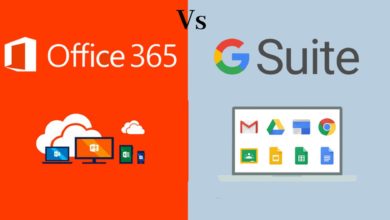
If you’re running a business, it’s important to ensure that you have a reliable and easy-to-use office solution by your side. So today we’re going to investigate two of the big market leaders, Google’s G Suites and Microsoft Office 365. We’ll look at some of the key areas and what differentiates between the two and see what benefits and features they have.
G-Suite Features:
- G-Suite comes with loads of apps giving you the ability to complete those important day-to-day tasks. Included with G-Suite you get things like your Gmail, Google Drive, Docs, Sheets, Calendar, Google Keep, and Hangouts.
- G-Suite is an online-based suite but can work in offline mode as well. So, if you’re unable to connect to the internet, you can still continue to do your work.
- G-Suite comes with mobile apps to really help you keep your production on the move and there is always 24/7 support either via the phone email or online support as well.
Microsoft Office 365 Features:
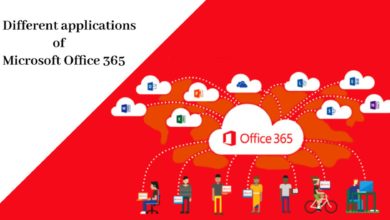
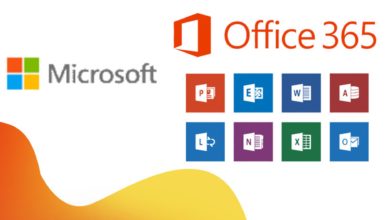
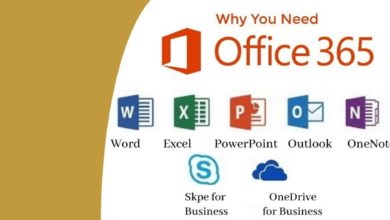
- You get a massive list of applications in MS Office like Outlook, OneDrive, Word, Excel, PowerPoint, OneNote, SharePoint, Yammer, Skype for business, Teams, and a bunch more.
- As office 365 is cloud-based, it’s always easy to collaborate between team members, and all the information will be kept up to date with the cloud keeping you in sync all the time.
- With 365 you can either use their versions of the applications or you can download all the apps like Word, Excel, and so on. And when you work with any document it will automatically sync with the cloud keeping your information up-to-date and secure.
- 365 allows installation to up to 5 devices per user which is great because as we know we want to be able to access all our documents from smartphones tablets and laptops.
But let’s investigate the security of these two suites. Both platforms do offer some sort of security protection to data and documents.
In G-Suite, they offer a 2-step verification and single sign-on. You can also use mobile management’s keep your data safe in the event of a lost device or employee turnover. Archived email messages and on-the-record chats and control how long they’re retained for there is an easily configurable security setting from a centralized admin console.
In Office 365, they offer you a lot of built-in security features to keep your company’s data safe. What comes included are items like message encryption, stopping anyone other than the intended recipient from reading the content of your email. There’s an advanced threat analytics there’s a machine learning system that helps you to detect and alert of any suspicious activity and it lets you know straight away. You have mobile device management which helps you to secure and manage office employees’ mobile devices to protect your private company information. You can create and manage device security policies remotely wipe a device and view detailed device reports. And finally comes with data loss prevention, this monitors emails and prevents sensitive information from leaving your business or organization
Contact BITS Secure IT Infrastructure LLC for any IT Consultation and our team of experts will be happy to assist you!